A desktop app for team leaders to manage staff allocations, track skills, and visualise utilisation — all stored locally, no cloud required.
No sign-up · No subscription · Your data stays on your machine
Built for engineering leads, project managers, and team leaders who need a clear view of resource allocation.
Choose your planning cadence. Configure sprint lengths from 1–30 days, or switch to weekly and monthly calendar views. Add or remove periods on the fly.
Organise staff into departments, teams, and members. Drag and drop to reorder teams and people. Track FTE and roles for each member.
Assign percentage-based allocations across six categories: BAU, Sprint Ceremonies, Project Work, R&D, Leave, and Training. See totals at a glance.
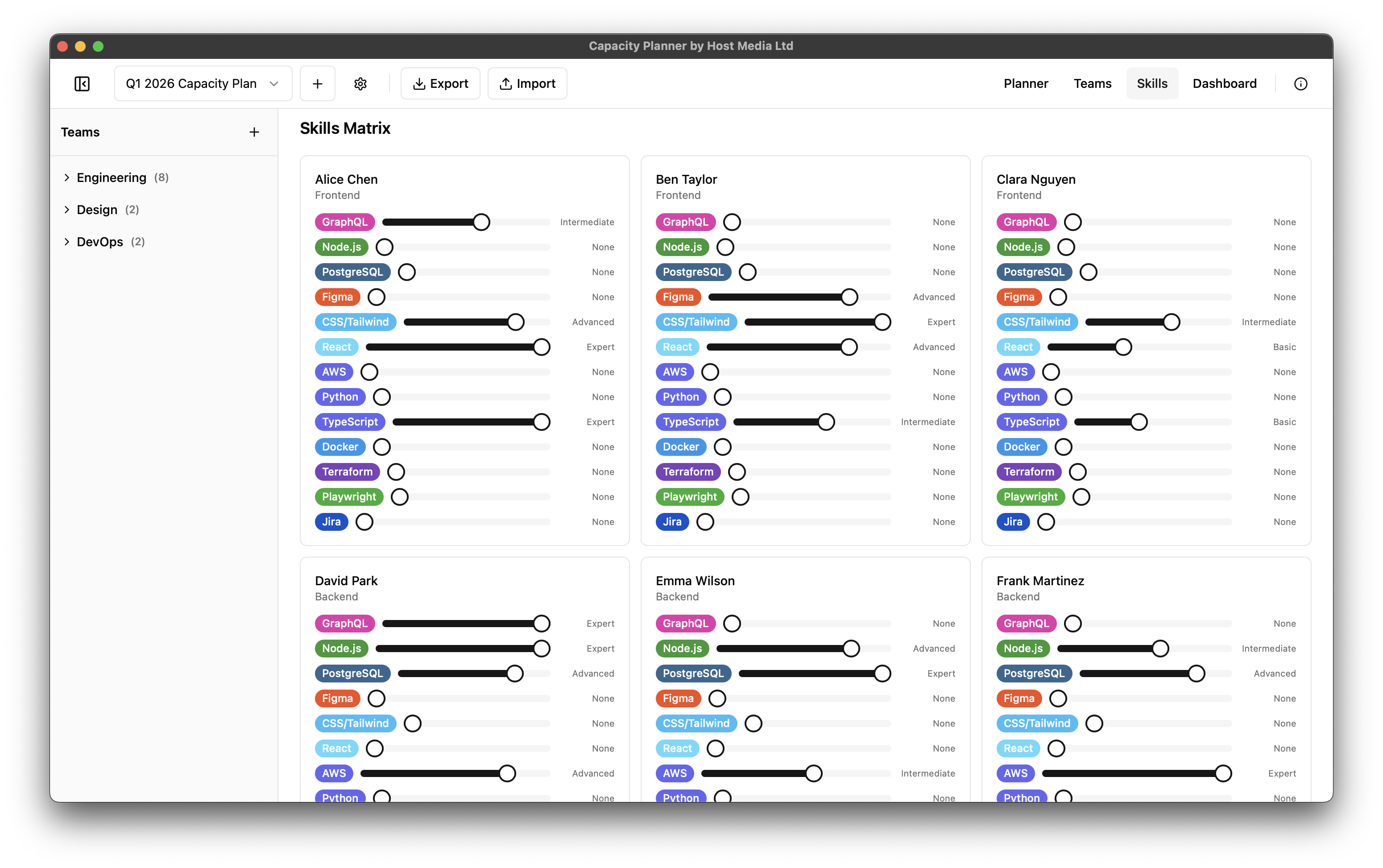
Track team member skills with five proficiency levels from Beginner to Expert. Categorise skills and visualise coverage across teams.
Visualise allocation breakdowns, team utilisation over time, and skills heatmaps with interactive charts. Spot gaps instantly.
Export dashboards as PDF or CSV. Share entire planners as portable
.cpplan files between installations, no cloud account needed.
A clean, focused interface designed for real-world capacity planning.
Planner Grid: Sprint allocation view with team breakdowns
No sign-up, no cloud, no subscription. Just download and start planning.
Grab the free installer for macOS, Windows, or Linux. The app is under 15MB and installs in seconds with no dependencies.
Create a planner, add departments and teams, then add your team members with their roles and FTE. Drag to reorder.
Allocate capacity across sprints, assign skills, and use the dashboard to spot utilisation gaps and skill coverage.
Free to download. No account required. Your data stays on your machine.